
Introduction
What is Synclet?
Section titled “What is Synclet?”Synclet is a self-hosted data synchronization platform that moves data between databases, APIs, warehouses, and file systems. It ships as a single Go binary, runs on any Linux server or container orchestrator, and runs connectors that implement the Airbyte Protocol: run Airbyte connectors without Airbyte. The connectors and versions tested are listed under Tested with.
You define sources, destinations, and connections through a web dashboard or API. Synclet handles schema detection, incremental synchronization, state management, scheduling, and monitoring — so you can focus on what to sync rather than how.
Who is Synclet For?
Section titled “Who is Synclet For?”- Data engineers who need a lightweight, self-hosted alternative to managed ELT platforms.
- Teams already using Airbyte connectors who want to run the same connector images with less operational overhead.
- Organizations with strict data residency requirements that need all data movement to happen within their own infrastructure.
- Developers running one-off or periodic data transfers who want a simple setup without complex infrastructure.
Key Features
Section titled “Key Features”- Airbyte Protocol connectors — Run source and destination images that implement the Airbyte Protocol, plus Synclet’s own Go connectors. Each image keeps its own license, see Connector licenses.
- Multiple Execution Modes — Run connectors via Docker, Kubernetes, or the local CLI depending on your environment.
- Incremental Sync — Only transfer new or changed records. Synclet tracks sync state automatically between runs.
- Stream Configuration — Select individual streams, choose sync modes (full refresh or incremental), pick specific fields, and rewrite destination namespaces or stream names.
- Workspaces — Organize sources, destinations, and connections into isolated workspaces, one per team of your organization.
- Role-Based Access Control — Three built-in roles per workspace: Admin, Editor, and Viewer.
- OIDC Single Sign-On — Authenticate users through any OpenID Connect provider (Google, Okta, Keycloak, and others).
- Notifications — Get alerted on sync failures and completions via Slack, Email, or Telegram.
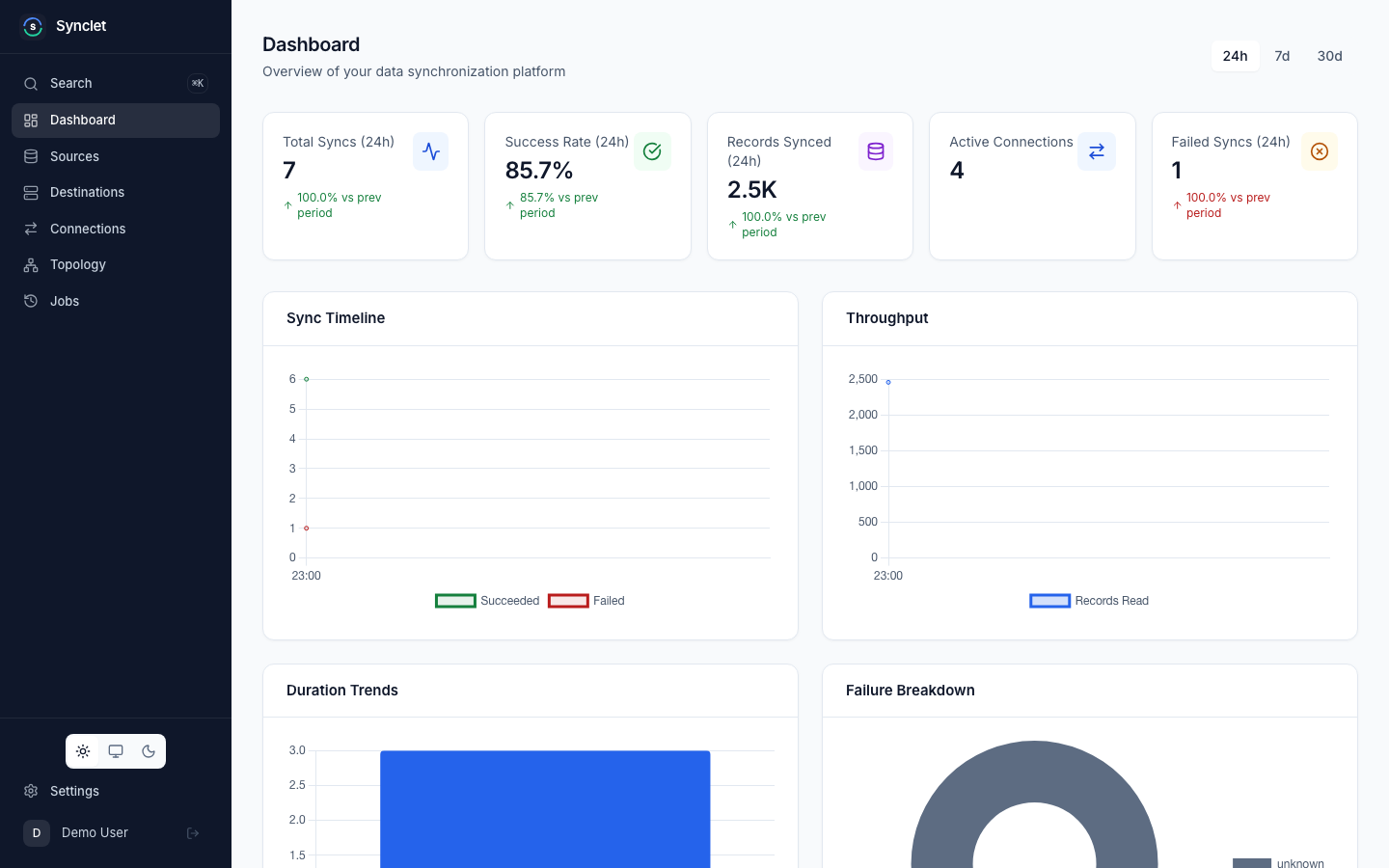
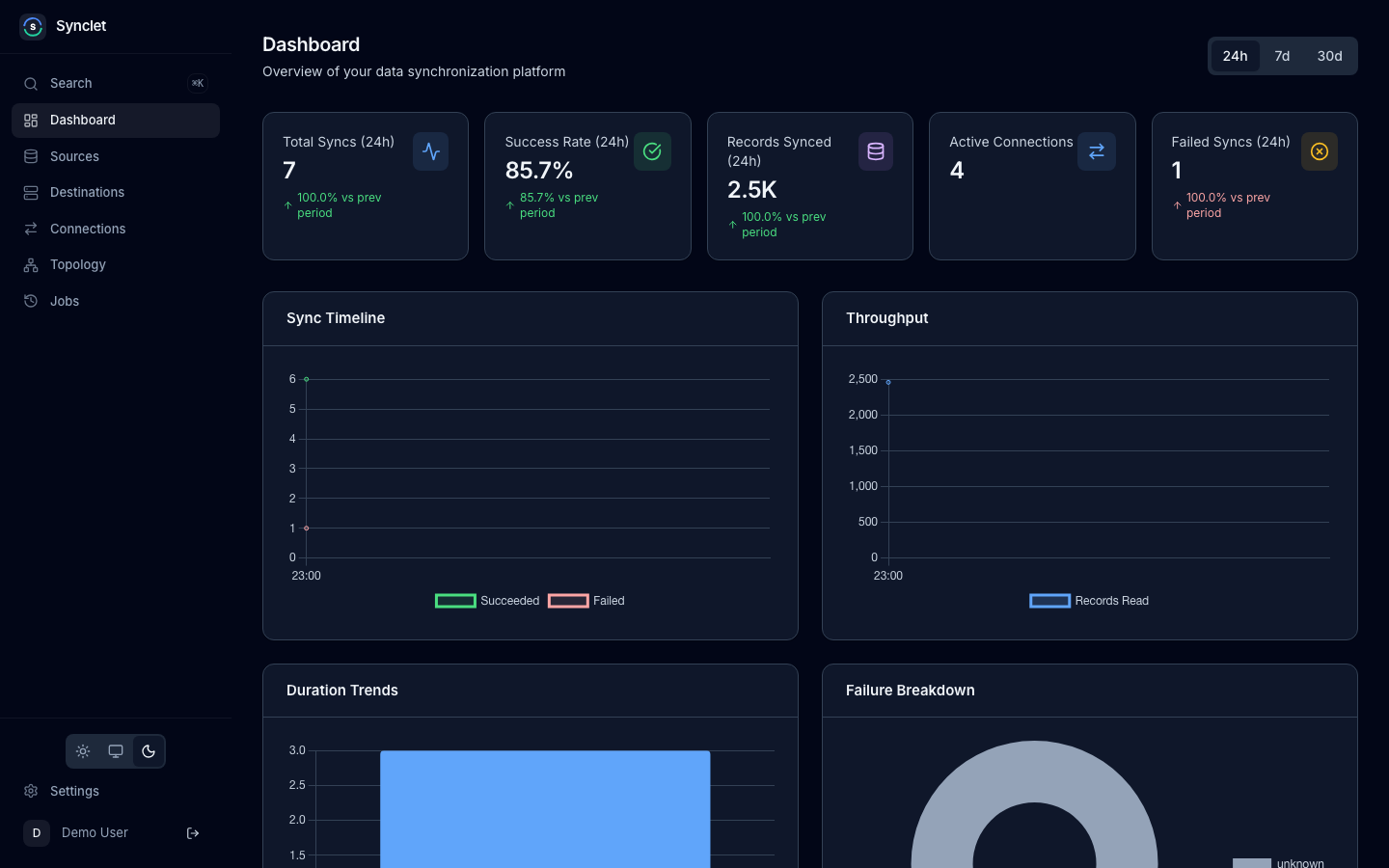
- Dashboard & Metrics — Monitor sync status, job history, duration, and record counts from the built-in web UI. Export Prometheus metrics for external monitoring.
- Config Backup & Restore — Export and import your entire Synclet configuration for disaster recovery or environment migration.
- API Keys — Automate operations and integrate with CI/CD pipelines using programmatic API access.
How It Works
Section titled “How It Works”Synclet follows a straightforward three-step workflow:
- Configure a source — Pick a connector (e.g., PostgreSQL, Stripe, Google Sheets), provide credentials, and test the connection. Synclet discovers the available schemas and streams automatically.
- Configure a destination — Set up where the data should land (e.g., BigQuery, Snowflake, a CSV file). Test that Synclet can write to it.
- Create a connection — Link a source to a destination. Select which streams to sync, choose sync modes, set a schedule (cron or manual), and run your first sync.
Next Steps
Section titled “Next Steps”- Installation — Set up Synclet on your machine or server.
- Quick Start — Create your first data sync in under 5 minutes.
Airbyte is a trademark of Airbyte, Inc. Synclet is not affiliated with, endorsed by or sponsored by Airbyte, Inc. Connector images keep their own licenses: see Connector licenses.